


Mukuru Card
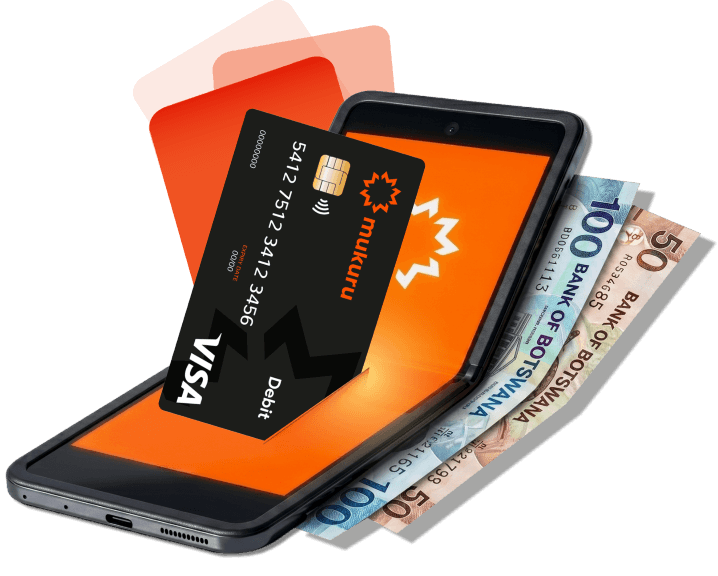
Pay in-store, shop online locally, withdraw cash at any ATM and access your money anytime, all linked to your Mukuru Wallet.
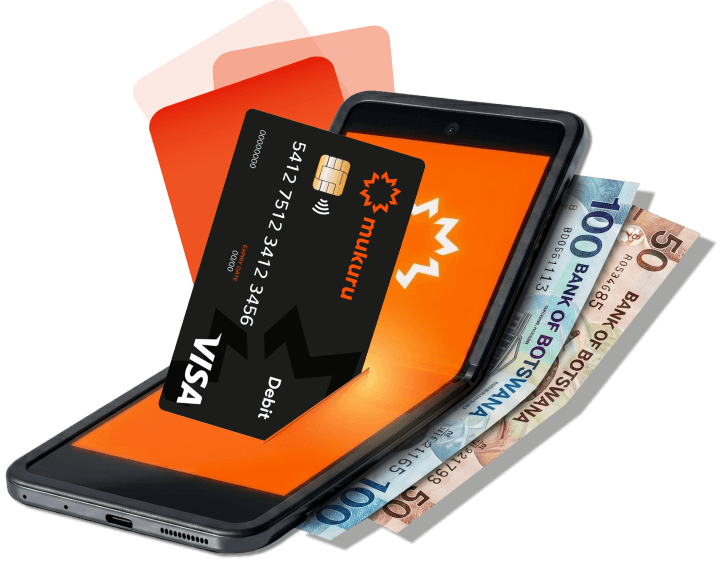
With the Mukuru Wallet + Card, you can:
Pay in-store

Send and receive money locally & internationally

Access your money 24/7

Shop online locally

Buy airtime, data, electricity & pay your DStv

Withdraw cash at any ATM
How It Works
Get your Mukuru Card in a few simple steps


How to use you Mukuru Card?
Your Money.
More Ways To Use It.
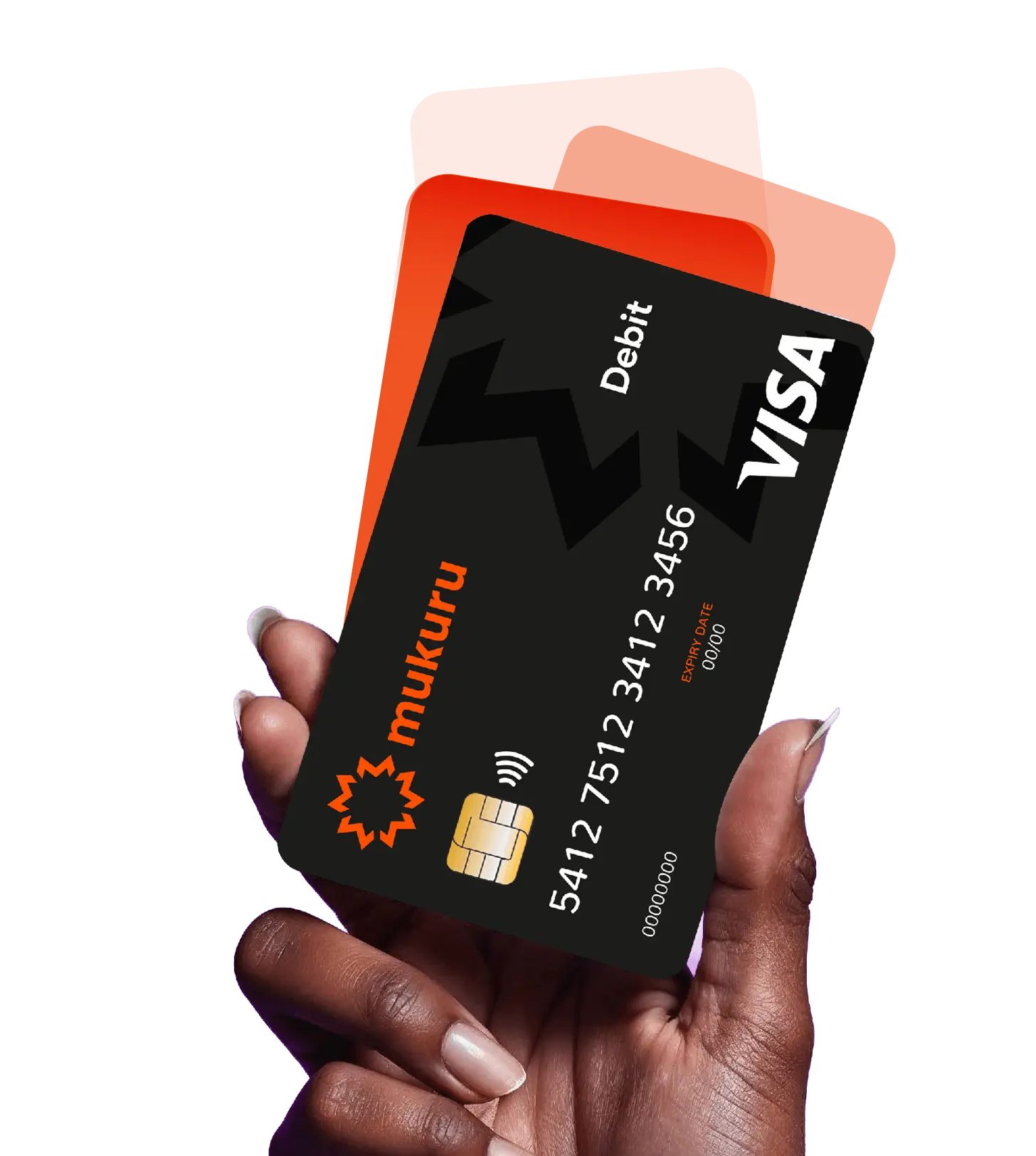
With your Mukuru Wallet and Card, you can pay in-store, shop online locally and withdraw cash from ATMs – all straight from your wallet balance.
Mukuru Card Fee Table
| Card Fee Schedule 2026 | Fee |
| Card Activation Fee | BWP 50.00 |
| Local ATM Withdrawal | BWP 7.00 |
| Local ATM Balance Enquiry | BWP 5.00 |
| Local POS Purchase | BWP 1.20 |
| Local Online Payment | BWP 5.00 |
| Declined Local ATM Withdrawal | FREE |
| Declined Local POS Transaction | FREE |
| Declined Local Online Payment | BWP 0.60 |
Mukuru Card Safety Tips
As a valued Mukuru customer, here are a few security tips to help keep your Mukuru Wallet and Mukuru Card safe. This is not a complete list, and it remains your responsibility to protect your account, card and personal information.

Protect your PIN
- Create a PIN that is difficult to guess. Avoid using birthdays, repeating numbers or simple number sequences.
- Do not reuse the same PIN across multiple accounts or devices.
- Never write down or share your PIN with anyone, including Mukuru employees or agents. Mukuru will never ask for your PIN.
- When using an ATM, always cover the keypad and be aware of anyone nearby.

Protect your phone

Protect your card

Contact us immediately if:
Need help? Contact us immediately
Call: +267 398 0499
WhatsApp: +267 7718 4600
If someone gains access to your phone, PIN or Mukuru Card, they could access your account, your money and your personal information.
What is a SIM swap?
A SIM swap occurs when a fraudster convinces a mobile network provider to transfer your phone number to a new SIM card. Once they gain control of your number, they may receive your calls, SMS messages and verification codes, allowing them to access your accounts and potentially steal money or personal information.
If you receive a SIM swap notification that you did not request, contact your mobile network provider and Mukuru immediately.